
Log every meal
Breakfast, lunch, and dinner, plus meals of your own like snacks or pre-workout, with servings and serving sizes. The floating + picks the meal for the time of day.
RIVID FUEL
A focused macro tracker built around the way you actually eat—not around accounts, food-database subscriptions, or an internet connection.
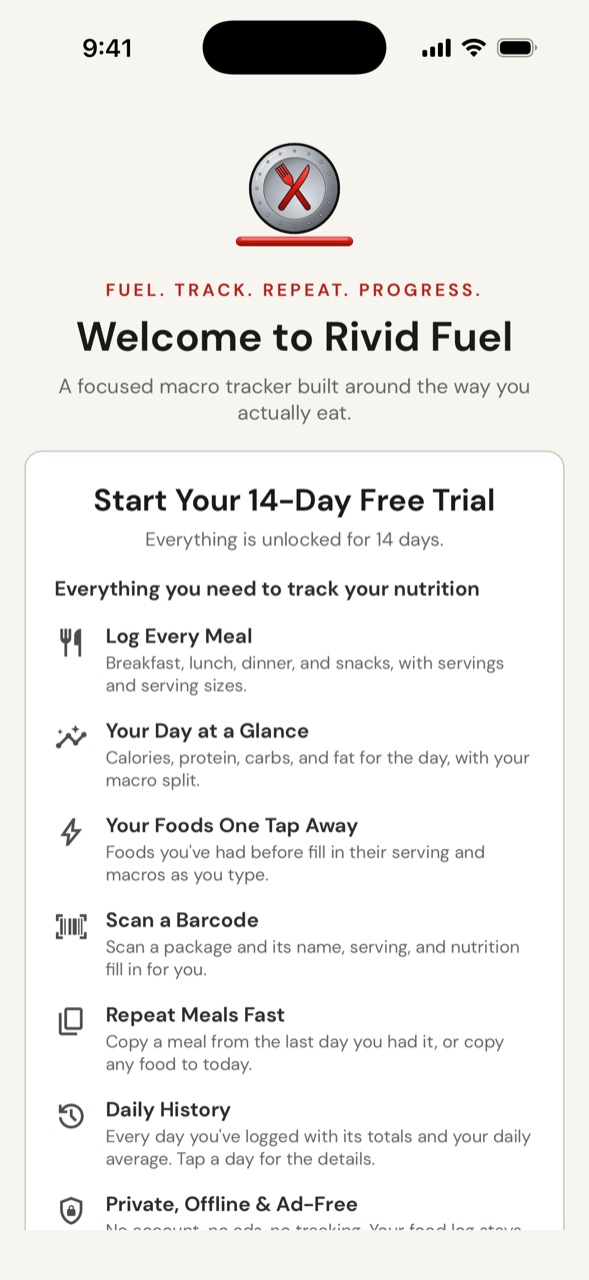
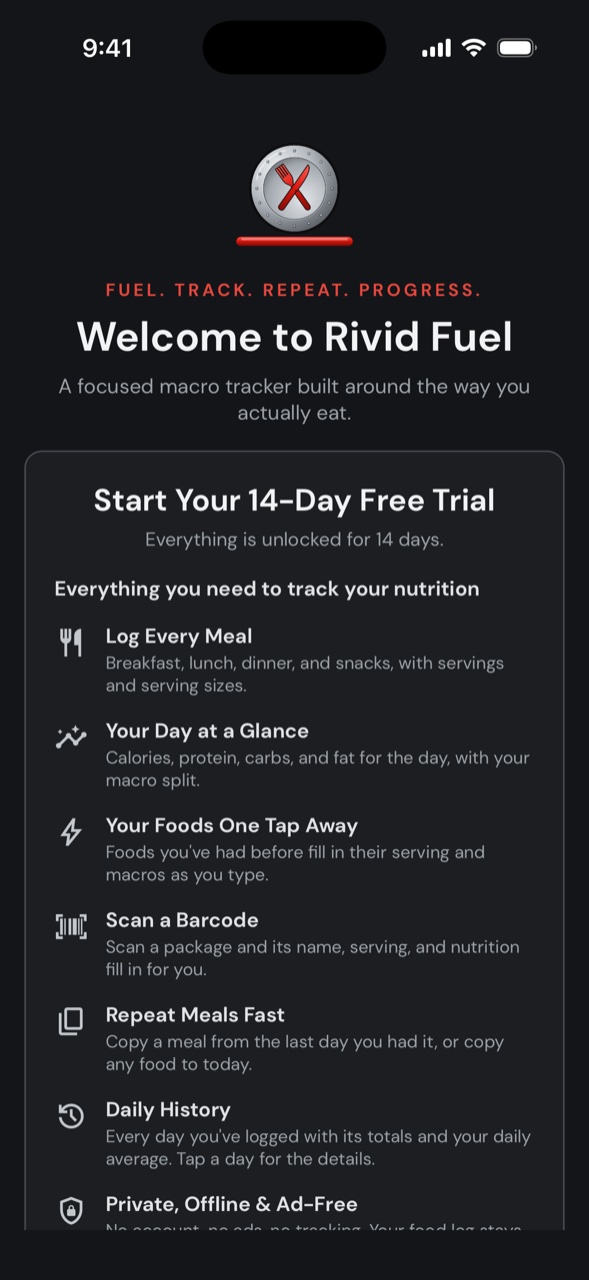
Light and dark, following your phone.
BUILT FOR THE WAY YOU EAT
Rivid Fuel keeps logging quick and the numbers clear, so tracking your nutrition fits into your day instead of taking it over.
Breakfast, lunch, and dinner, plus meals of your own like snacks or pre-workout, with servings and serving sizes. The floating + picks the meal for the time of day.
Calories, grams of protein, carbs, and fat for the day, with each macro's share of the calories and the totals of the values you track.
Add iron, vitamin C, fiber, or anything else, with its unit. Each one is asked for per serving and totaled beside your macros.
Foods you've had before are suggested as you type, and fill in their serving size and macros when you pick one.
Scan a package and its name, serving, and nutrition fill in from Open Food Facts or USDA FoodData Central. Foods you've scanned before come from your own history.
Add a recipe's ingredients and how many servings it makes, and one serving's calories, macros, and tracked values are worked out for you. Log a serving by name any time.
Copy a meal from the last day you had it or any recent day, or swipe to copy any food to today.
Every day you've logged with its totals and your daily average. Search for the days with a food, a meal, or a note, and tap a day to see every meal and item.
Pick a food to see every time you had it, with its totals. Swipe to copy it to any day and meal.
Write a note on a food, or about the whole day. The Notes tab shows them all, filtered by day notes or food notes, and searchable.
Print your food log or save it as a PDF: your totals, daily average, and most eaten foods, then every day with its meals.
Export your food log, tracked values, meals, home meals, and notes to a file you keep, and restore it whenever you need to.
NEW · HOME MEALS
Tap the calculator at the top of the Today tab and add each ingredient of a dish you make at home: type it, pick a food you've had before, or scan its barcode. Enter how many servings the dish makes, and one serving's calories, macros, and tracked values are worked out for you. Save it and log a serving to today right away.
After that, start typing the home meal's name when you add a food and one serving fills in. Change the recipe later and you choose whether the foods already logged from it are brought up to date, with the servings you had kept as they were.
BARCODE SCANNING
Tap the barcode button next to the food name and point the camera at the package. Its name, serving size, calories, macros, and the values you track fill in for you, ready to check against the label before you save.
Nutrition comes from Open Food Facts, the free, open food database, and from USDA FoodData Central when Open Food Facts doesn't have the product. A food you've scanned before comes straight from your own history, even offline, and one that isn't found yet is remembered with what you enter for it. No barcode handy? Type the number instead.
PRICING
Everything is unlocked for 14 days, so you can try the full app before deciding.
Then unlock Rivid Fuel with a single purchase, including all current and future features. No subscription. See the App Store or Google Play listing for current pricing. Your data is never locked in: you can always export a backup.
YOUR DATA
No account, no ads, no tracking. Rivid Fuel does not require an internet connection, an account, or a food-database subscription to log your meals. Your food log is kept on your device, with backup and restore tools available in the app.
Internet access is used only when you scan a barcode, to look up its number, and when you choose to open external support, privacy, terms, or store-related pages. Scanning is optional: everything else works without a connection.
APP INFORMATION
See Tips & Features for what the app can do and where to find it, visit Support for contact information and common help topics, or review the Privacy Policy and Terms of Use.